
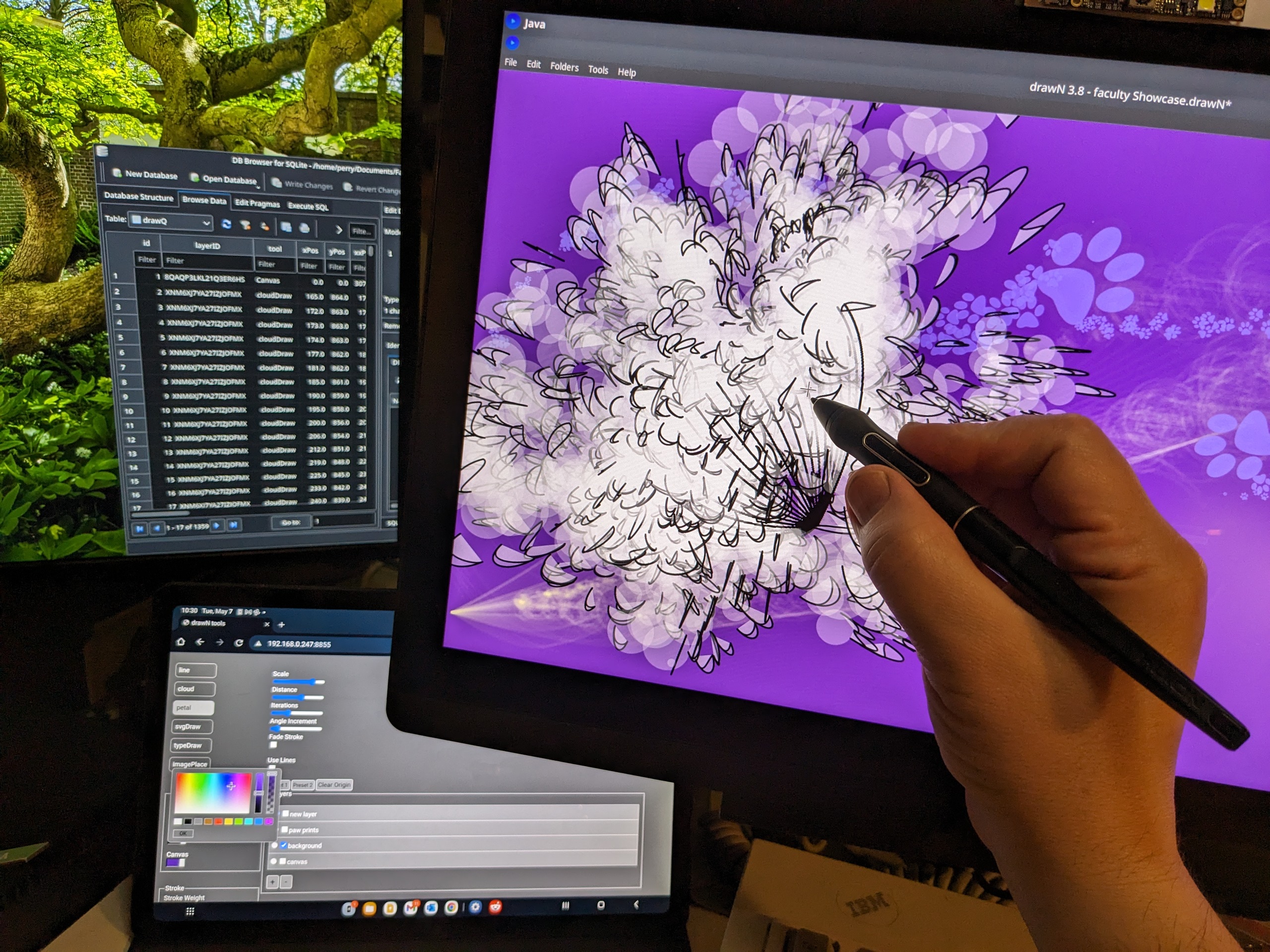
drawN – generative drawing application
I wrote drawN as a digital drawing framework. It is not a replacement for Photoshop, nor is it a static tool. It is meant to be extended and customized by fellow tinkerers. The main application is written in Processing/Java with supporting GUI tools in HTML, JavaScript, and an SQL database. Most of the around 4,000 lines of code are for handling files, undo/redo, database, input devices, gui, etc.. Although it’s about 4,000 lines of code, someone can change just a couple lines of actual drawing code to make something that’s completely unique, retaining all the support functionality.
Features
- pen pressure
Wacom, Huion, etc. pens are supported. - SQLite file storage
Each *.drawN file is a SQLite database. Marks you make are stored in rows of a table there. You can open these database files and edit manually with programs like DB Browser for SQLite. - save methods
Drawings can be exported into vector (PDF) and raster (TIFF,PNG,JPG,TGA) formats. - undo redo
Application built around undo and redo, even through save and reload. - layers
Similar to Photoshop layers, drawN layers can be reordered and turned on/off. - multiple brushes
Brushes are abstracted to separate files, with their behavior easily editable. - web accessible tools
There is a web-based GUI for brush selection, color, and layers. The application acts as a server on the LAN, making the GUI accessible to any computer, tablet, or phone. - keyboard shortcuts
There are familiar keyboard shortcuts for undo/redo, and file operations. - cross-platform
The application is developed on Linux, and also works on Mac and Windows.
– more at perryjohnson.net
The N at the end of the name is a reference to variables. In this case, it’s variables within the program, but the artist certainly deals with variables in other media. A sable brush has a different set of properties than a hog bristle brush.
Please note that this software has bugs, but was not AI vibe-coded. Although I have programmed in other languages, this is my first Java program. I have made effort to document use of code libraries from other authors with respect to licensing terms.

To use drawN, you’ll first need to install the Processing IDE.
Then you’ll need the following Processing libraries installed.
- UiBooster by Nick ‘Milchreis’ Muller
- JavaFX by The Processing Foundation
- Tablet by Andres Colubri
- Drop by Ramin Soleymani
- HTTP Requests for Processing by Rune Madsen, Daniel Shiffman
- Finally, you can download the latest release of drawN here.
- Once downloaded, you can get future updates by clicking Tools->Update from Server.
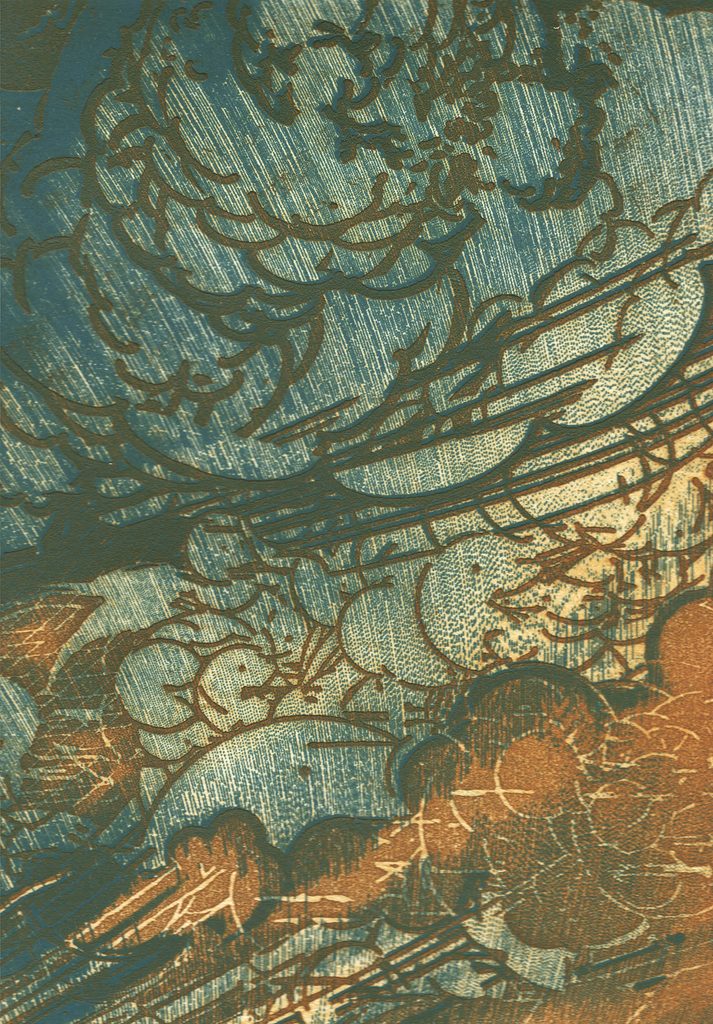
In 2018, I participated in a workshop with Paul Catanese, co-author of Post-Digital Printmaking, at Shakerag Workshops in Sewanee, TN. In that workshop, I had my first exposure to Processing, an extension of the Java programming language made by artists for artists. Paul’s workshop combined programming, laser engraving, and letterpress printing. Bitten by the bug and blessedly cursed with curiosity, I started writing what would become drawN and making prints with it. Thanks Paul!